








Customers rarely follow a straight path before making a purchase. Someone might discover a brand through Google, read a blog post a few days later, open an email, visit the pricing page, talk to sales, and finally become a customer.
For marketing and sales teams, understanding this journey can be difficult when each interaction is recorded in a different system.
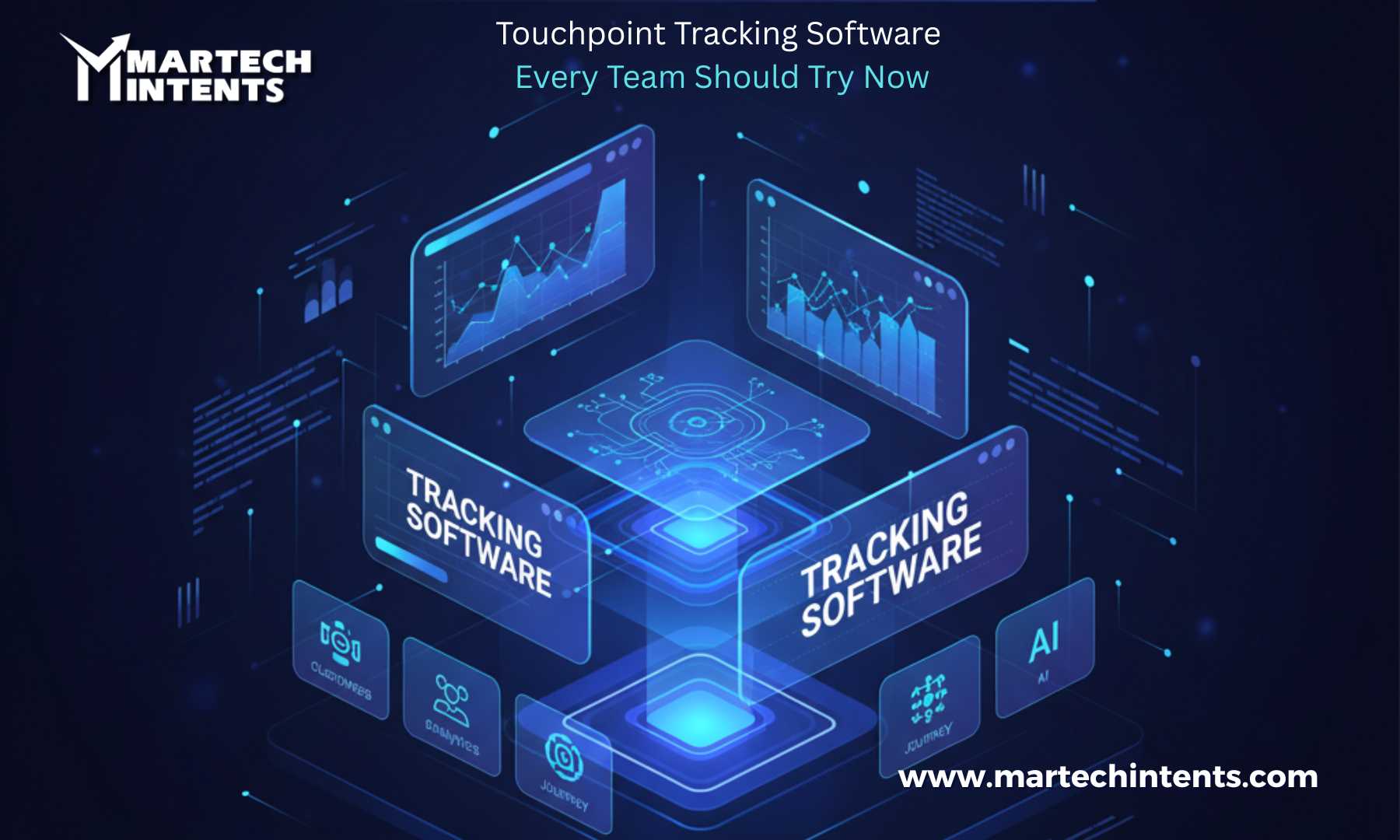
This is where Touchpoint Tracking Software becomes useful.
Touchpoint tracking helps teams connect customer interactions across different channels and understand what happens before, during, and after a conversion. Instead of looking at individual campaigns in isolation, teams can build a clearer picture of the customer journey.
What Is Touchpoint Tracking Software?
Touchpoint Tracking Software is designed to record and organize the interactions customers have with a business across their journey.
A touchpoint can include activities such as:
- Clicking a paid advertisement
- Visiting a website
- Reading a blog
- Downloading an ebook
- Opening or clicking an email
- Attending a webinar
- Interacting with social media content
- Speaking with a sales representative
- Requesting a product demo
- Completing a purchase
Salesforce describes a touchpoint as an individual marketing interaction that happens before a conversion, while attribution models determine how conversion credit is distributed across those interactions.
The goal is not simply to collect more data. It is to understand how different interactions fit together.
Why Teams Need Touchpoint Tracking
Without connected journey data, teams can easily focus on the last interaction before a conversion.
For example, a sales team may see that a prospect booked a demo after receiving an email. But that person may have already visited the website several times, read product content, interacted with an advertisement, and attended a webinar.
Looking only at the final interaction can hide the broader journey.
Touchpoint tracking can help teams answer questions such as:
- Where did the customer first discover us?
- Which content did they interact with?
- How many interactions happened before conversion?
- Which channels frequently appear in successful journeys?
- Where are prospects dropping off?
- Which campaigns influence pipeline?
- How long does the journey take?
Customer journey analytics is specifically designed to connect interactions across channels and time, rather than treating each session or channel separately.
How Touchpoint Tracking Works
Most touchpoint tracking systems follow a simple process.
1. Collect Customer Interactions
The platform collects data from sources such as websites, advertising platforms, email systems, CRM platforms, forms, and other marketing channels.
2. Connect the Data
The next step is bringing those interactions together so teams can see them as part of a larger customer journey.
For example:
Google Search → Blog Article → Email → Product Page → Demo Request → Sales Call → Customer
This sequence provides much more context than looking at each channel separately.
3. Create Customer Journeys
Once the information is connected, teams can analyze the sequence of interactions.
Some platforms provide journey reports that allow teams to define specific steps and filters for contacts or deals.
4. Analyze Conversion Paths
Teams can then compare different customer paths and identify patterns.
For example, one group of customers might frequently interact with educational content before requesting a demo, while another group may come through paid search and convert quickly.
5. Connect Touchpoints to Revenue
For revenue-focused teams, connecting marketing interactions with sales outcomes is especially important.
Modern marketing analytics platforms can connect touchpoints with CRM and revenue information to provide a broader view of the customer lifecycle.
Key Features to Look For
Not every Touchpoint Tracking Software platform offers the same capabilities. Before selecting a solution, teams should consider the features they actually need.
Multi-Channel Tracking
A useful platform should support the channels that matter to your organization.
Depending on the business, this may include:
- Website activity
- Paid advertising
- Organic search
- Social media
- Events
- Webinars
- Sales interactions
- CRM activity
Customer Journey Visualization
Visual journey views can make complex customer paths easier to understand.
Instead of reviewing rows of disconnected data, teams can see the sequence of interactions and identify common patterns.
Attribution Reporting
Attribution helps teams understand how conversion credit is assigned across multiple interactions.
Common models include first-touch, last-touch, linear, time-decay, and U-shaped attribution.
Because different models can produce different results, teams should avoid treating one attribution model as the complete story.
CRM Integration
CRM integration is another important consideration.
When marketing and sales activity can be connected to CRM records, teams can better understand how customer interactions relate to leads, opportunities, and revenue.
For example, HubSpot supports journey reporting and can connect customer interactions with contacts and deals.
Custom Events
Different businesses have different definitions of an important customer interaction.
A B2B company may care about demo requests and webinar attendance, while a SaaS company may care about product usage and subscription upgrades.
Custom events allow tracking to reflect those specific business goals.
Reporting and Dashboards
A good dashboard should make important information easy to find.
Teams may want to monitor:
- Conversion rates
- Number of touchpoints
- Customer journey length
- Campaign performance
- Pipeline contribution
- Revenue attribution
- Engagement trends
- Drop-off points
Who Can Benefit From Touchpoint Tracking?
Touchpoint tracking is not limited to marketing teams.
Marketing Teams
Marketing teams can use journey data to understand how campaigns and content contribute to customer progression.
Instead of asking only which campaign generated a lead, marketers can examine what happened before and after the lead was created.
Sales Teams
Sales representatives can benefit from having more context before speaking with a prospect.
Knowing which pages, campaigns, webinars, or resources a prospect interacted with can provide useful background for sales conversations.
Revenue Operations Teams
Revenue operations teams often need to connect marketing, sales, and customer data.
A centralized view of customer interactions can make it easier to identify gaps between systems.
Customer Experience Teams
Customer experience teams can examine where customers encounter friction.
For example, repeated visits to a help page or multiple support interactions may reveal an area that deserves attention.
Product Teams
Product teams can use behavioral touchpoints to understand how users interact with important features and where engagement changes throughout the customer lifecycle.
Touchpoint Tracking vs. Basic Website Analytics
Basic website analytics can tell you important things about traffic, pages, sessions, and conversions.
However, customer journey analytics goes further by connecting interactions across channels and time.
Consider this example:
Basic analytics:
5,000 visitors → 250 conversions
Touchpoint analysis:
Ad → Blog → Product Page → Email → Webinar → Pricing Page → Demo → Sale
The second view provides more context about the journey.
That does not mean basic analytics is unnecessary. Instead, the two approaches can complement each other.
Common Mistakes to Avoid
Implementing Touchpoint Tracking Software does not automatically create better marketing decisions.
Teams should watch out for several common problems.
Tracking Everything Without a Purpose
Collecting huge amounts of data can create more noise than insight.
Start by identifying the customer interactions that matter most to your business.
Ignoring Data Quality
Incorrect campaign tags, duplicate records, disconnected CRM data, and inconsistent naming can make reports difficult to trust.
Relying on One Attribution Model
Different attribution models answer different questions.
A first-touch model can help examine discovery, while other models may distribute credit across several interactions. Comparing models can provide additional context.
Forgetting Offline Interactions
Customer journeys do not always happen online.
Sales calls, conferences, physical events, and other offline interactions can also influence decisions. Some customer journey platforms are designed to combine online and offline interactions in a broader journey view.
How to Choose the Right Touchpoint Tracking Software
Before selecting a platform, create a short list of requirements.
Ask:
- Which customer touchpoints do we need to track?
- Which systems need to be connected?
- Do we need person-level or account-level tracking?
- Do we need multi-touch attribution?
- Which CRM do we use?
- What reports does the marketing team need?
- What information does the sales team need?
- How will we handle data privacy and consent?
- Can the platform scale with our customer base?
- Can non-technical users understand the reports?
The right choice depends on the company’s customer journey, existing technology stack, data requirements, and reporting goals.
The Future of Touchpoint Tracking
Customer journeys are becoming increasingly complex.
People may move between search engines, websites, social platforms, email, AI-powered discovery tools, mobile applications, events, and sales conversations before making a decision.
That makes connected journey data increasingly useful.
Modern platforms are also bringing attribution, journey analytics, CRM data, and marketing reporting closer together. HubSpot, for example, describes its marketing analytics capabilities as connecting marketing interactions with closed revenue and multi-touch attribution.
The future of touchpoint tracking will likely focus less on simply counting interactions and more on understanding the context behind them.
Final Thoughts
Touchpoint Tracking Software can give marketing, sales, revenue, and customer experience teams a clearer view of how customers interact with a brand.
The biggest value comes from connecting the dots.
Instead of looking at an advertisement, email, website visit, webinar, and sales call as separate activities, teams can examine how those interactions work together throughout the customer journey.
The key is to choose a platform that fits your data sources, reporting requirements, CRM environment, and business goals.
When customer interactions are organized into a meaningful journey, teams can move from isolated campaign reporting toward a more complete understanding of customer behavior.
Frequently Asked Questions
1. What is Touchpoint Tracking Software?
Touchpoint Tracking Software helps teams track and connect customer interactions across channels such as websites, email, advertising, social media, webinars, and sales activities. It provides a clearer view of the customer journey before and after conversion.
2. Why is touchpoint tracking important for marketing teams?
Touchpoint tracking helps marketing teams understand how different campaigns, content, channels, and interactions contribute to the customer journey. It can also reveal conversion paths, engagement patterns, and points where prospects may drop off.
3. What features should teams look for in Touchpoint Tracking Software?
Important features can include multi-channel tracking, customer journey visualization, attribution reporting, CRM integration, custom events, and reporting dashboards. The right features depend on the team’s data sources, customer journey, and reporting requirements.
4. How does Touchpoint Tracking Software support customer journey analysis?
It connects customer interactions across different channels and time periods, allowing teams to examine the sequence of activities leading to conversion. This can help teams understand customer paths, identify important interactions, and find potential gaps in the journey.