






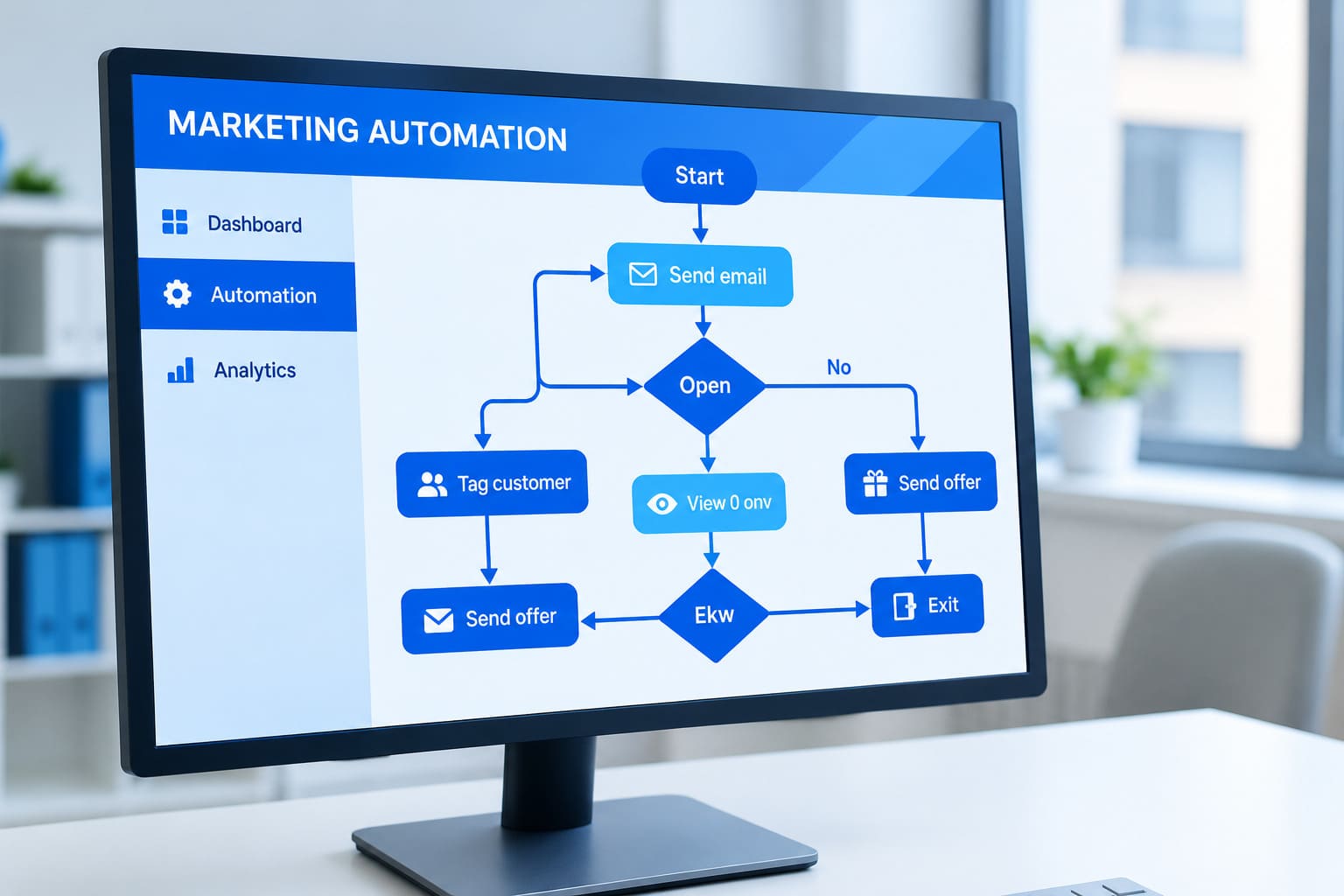
Marketing automation has become an important part of modern marketing. It helps businesses send emails, nurture leads, manage customer journeys, and follow up with prospects without completing every task manually. When workflows are designed properly, marketing teams can save time, improve communication, and make better use of customer data.
However, automation does not automatically make a marketing process effective. A poorly configured workflow can send irrelevant emails, assign leads to the wrong sales representative, repeat the same message, or continue promoting a product after someone has already purchased it.
These problems can affect customer trust, campaign performance, and the overall return on marketing investment.
The real challenge is not simply choosing the right automation platform. It is understanding how workflows operate, how customer data moves between systems, and when human intervention is necessary.
In this guide, we will explore the most common marketing automation mistakes, explain why they happen, and share practical ways to prevent them.
What Is Marketing Automation, and Why Can It Go Wrong?
Marketing automation uses software to perform repetitive marketing activities based on predefined triggers, conditions, and actions. Common examples include welcome emails, lead nurturing sequences, abandoned-cart reminders, customer onboarding, and follow-up campaigns.
For example, when someone downloads an ebook from a company website, an automated workflow might send a confirmation email, share a related resource, and eventually introduce a relevant product or service.
This process works well when the timing, audience, and messaging are appropriate.
Problems begin when businesses automate processes without reviewing their logic, checking data quality, or considering the customer’s actual journey. Automation can then repeat the same mistake across hundreds or thousands of contacts before anyone notices.
The solution is not to avoid automation. It is to build workflows that remain accurate, relevant, and easy to manage.
1. Building Complicated Workflows Without a Clear Goal
One common mistake is creating workflows with too many branches, conditions, and actions before defining what the automation should achieve.
A marketing team might build a sequence involving multiple emails, website visits, lead scores, CRM updates, and sales notifications. Although the workflow appears sophisticated, it may become difficult to understand and maintain.
When no clear objective guides the process, unnecessary steps can make the workflow harder to troubleshoot.
Example: A company creates a lead nurturing workflow with twelve emails, but most prospects stop engaging after the third message. The remaining emails continue automatically, even when they no longer match the prospect’s interests.
How to avoid it:
- Define one primary objective for each workflow.
- Map the customer journey before configuring automation rules.
- Remove steps that do not support the intended outcome.
- Use clear names for triggers, conditions, and actions.
- Review complex workflows regularly and simplify them when possible.
Start with a small workflow that solves a specific problem. Expand it only when performance data shows that additional steps provide value.
2. Using Incorrect or Outdated Customer Data
Marketing automation depends on reliable customer information. If contact records contain incorrect email addresses, outdated job titles, duplicate entries, or incomplete preferences, automated campaigns can deliver the wrong message.
For instance, a prospect may change companies, become an existing customer, or unsubscribe from promotional communications. If the marketing database does not reflect that change, the person could continue receiving irrelevant emails.
This is particularly challenging when customer information is shared between a CRM, an email platform, analytics software, and other marketing systems.
Businesses can learn more about this issue through our guide to marketing data quality.
How to avoid it:
- Remove duplicate and invalid contact records.
- Establish consistent rules for collecting and updating customer information.
- Synchronize important fields between connected platforms.
- Review data quality before launching a major campaign.
- Respect communication preferences and applicable privacy requirements.
Reliable data should be treated as a foundation of marketing automation, not an optional maintenance task.
3. Sending the Same Message to Every Customer
Not every customer has the same interests, needs, or level of buying intent. A person who has just discovered a brand usually needs different information from someone comparing product options or an existing customer looking for support.
When a workflow sends identical messages to every contact, communication can quickly become irrelevant.
Example: A software company sends introductory product emails to new leads and existing subscribers who have already purchased its premium plan. The campaign creates confusion instead of encouraging meaningful engagement.
The problem is often caused by weak audience segmentation or missing customer lifecycle conditions.
How to avoid it:
- Group contacts according to relevant characteristics and behavior.
- Use lifecycle stages to determine which messages people should receive.
- Personalize content only when the available information is accurate.
- Exclude customers from acquisition campaigns when appropriate.
- Review audience rules whenever a product, offer, or campaign changes.
Effective personalization is not about inserting someone’s first name into an email. It is about delivering information that makes sense for that person’s situation.
4. Forgetting to Test Workflows Before Launch
A workflow may look correct inside an automation platform but behave differently when real contacts enter it.
A trigger might activate too early, a delay might be configured incorrectly, or a condition might send contacts into the wrong branch. Email templates can also contain broken links, missing personalization fields, or outdated offers.
Launching without testing increases the risk of sending incorrect communications at scale.
How to avoid it:
- Test the workflow using representative test contacts.
- Check every branch and condition.
- Verify email links, personalization fields, and calls to action.
- Confirm the timing of every message.
- Test what happens when a contact purchases, unsubscribes, or changes lifecycle stage.
- Review the workflow again after significant edits.
Testing should cover more than the first email. Every important path through the workflow needs to be checked before the campaign goes live.
5. Sending Too Many Automated Messages
Automation makes it easy to communicate frequently, but more messages do not necessarily produce better results.
A customer might receive a welcome email, a promotional campaign, a product recommendation, and a sales follow-up within a short period. If these messages are managed by separate workflows, the combined communication may become overwhelming.
This can increase unsubscribes, complaints, and disengagement.
How to avoid it:
- Establish communication frequency limits where your platform supports them.
- Coordinate overlapping campaigns and workflows.
- Suppress promotional messages when a contact should not receive them.
- Consider recent customer interactions before sending another message.
- Give customers clear and accessible ways to manage their communication preferences.
A well-managed marketing experience should feel helpful rather than intrusive. Every automated message should have a clear reason for being sent.
6. Ignoring CRM and Marketing Platform Integration
Marketing automation often depends on information shared between different systems. When integrations fail or fields do not synchronize correctly, marketing and sales teams may work with conflicting customer records.
For example, a prospect might complete a demo request form, but the CRM never receives the submission. Alternatively, a sales representative might update a contact’s status while the automation platform continues treating that person as an unqualified lead.
These problems can delay follow-ups and create inconsistent communication.
How to avoid it:
- Identify which system is responsible for each important customer field.
- Verify that integrations transfer the correct information.
- Monitor synchronization errors and failed data transfers.
- Test lead assignment and status updates.
- Establish clear responsibilities for maintaining connected systems.
A connected MarTech environment should help teams work from consistent information. Simply connecting more tools does not guarantee that the systems will work together effectively.
For a broader perspective, read our article on building a scalable marketing operations framework.
7. Using Lead Scoring Without Reviewing the Rules
Lead scoring helps marketing teams prioritize prospects based on selected characteristics and activities. However, inaccurate scoring rules can make the system less useful.
For example, a contact might receive a high score after repeatedly visiting a careers page or downloading general educational content. If the workflow interprets those actions as strong buying intent, the sales team may spend time pursuing leads who are not ready to purchase.
Lead scores become even less reliable when the rules remain unchanged as customer behavior and business priorities evolve.
How to avoid it:
- Connect scoring criteria to meaningful buying signals.
- Distinguish between general engagement and stronger purchase intent.
- Reduce the influence of outdated activity where appropriate.
- Review lead quality with the sales team.
- Compare lead scores against actual conversion outcomes.
Lead scoring should support decision-making, not replace human judgment. Regular reviews help ensure that high-priority leads genuinely deserve attention.
8. Failing to Monitor Workflow Performance
Launching an automation workflow is not the end of the process. Customer behavior changes, offers expire, integrations develop problems, and campaign performance can decline over time.
When teams rely on automation without monitoring its results, small issues can continue unnoticed.
For instance, an automated lead nurturing campaign might maintain a healthy email open rate while generating very few qualified opportunities. Looking only at opens could hide the fact that the workflow is failing to achieve its business objective.
How to avoid it:
Track metrics that match the purpose of the workflow, including:
- Engagement: Click-through rates and meaningful interactions.
- Conversions: Form submissions, demo requests, purchases, or other desired actions.
- Lead quality: The proportion of leads that meet qualification criteria.
- Customer experience: Unsubscribes, spam complaints, and negative feedback.
- Business outcomes: Pipeline contribution, revenue, retention, or campaign return on investment.
Review results at regular intervals and investigate unexpected changes. Metrics should help teams identify what needs improvement rather than simply demonstrate that an automation is running.
9. Leaving Old or Duplicate Workflows Active
Marketing systems can accumulate workflows over time. A team might create a new campaign without disabling the previous version, leaving both automations active.
As a result, contacts may receive duplicate emails, conflicting offers, or repeated sales notifications.
This problem often occurs when workflows are created quickly but never reviewed after a campaign ends.
How to avoid it:
- Maintain an inventory of active workflows.
- Assign an owner to each important automation.
- Document the purpose, audience, and trigger for every workflow.
- Disable expired campaigns and obsolete sequences.
- Check for overlapping enrollment rules before creating a new workflow.
- Review workflows whenever the customer journey changes.
A regular automation audit can uncover unnecessary processes and reduce operational complexity.
10. Removing Human Oversight From Important Decisions
Automation can handle repetitive tasks, but it cannot always understand the full context behind a customer interaction.
A prospect might raise a complaint, request a custom solution, or explain a unique business requirement. Sending a generic promotional message immediately afterward can make the company appear inattentive.
The risk increases when teams automate sensitive communications or allow AI-generated content to be sent without appropriate review.
How to avoid it:
- Identify situations that require human approval.
- Pause promotional workflows when a customer needs personal assistance, where appropriate.
- Review sensitive or high-impact communications before sending.
- Provide a clear process for sales and support teams to intervene.
- Use automation to support employees rather than replace necessary conversations.
The best marketing workflows combine software efficiency with human understanding. Automation should make customer interactions more relevant, not less personal.
How to Build More Reliable Marketing Automation Workflows
Avoiding individual mistakes is important, but a consistent process makes automation easier to manage as a business grows.
Follow these practical steps:
Step 1: Define the objective. Decide what the workflow should accomplish, such as improving lead follow-up or supporting customer onboarding.
Step 2: Map the customer journey. Identify the trigger, audience, conditions, actions, and exit points before building the workflow.
Step 3: Check the data. Verify that contact information, lifecycle stages, preferences, and integration fields are accurate.
Step 4: Build with clear rules. Keep workflows understandable, avoid unnecessary branches, and define what happens when conditions change.
Step 5: Test before activation. Run representative scenarios and verify that every important workflow path works as expected.
Step 6: Monitor real outcomes. Measure conversions, customer experience, and business impact rather than relying exclusively on email engagement.
Step 7: Review and improve. Update, simplify, or retire workflows when customer needs and marketing objectives change.
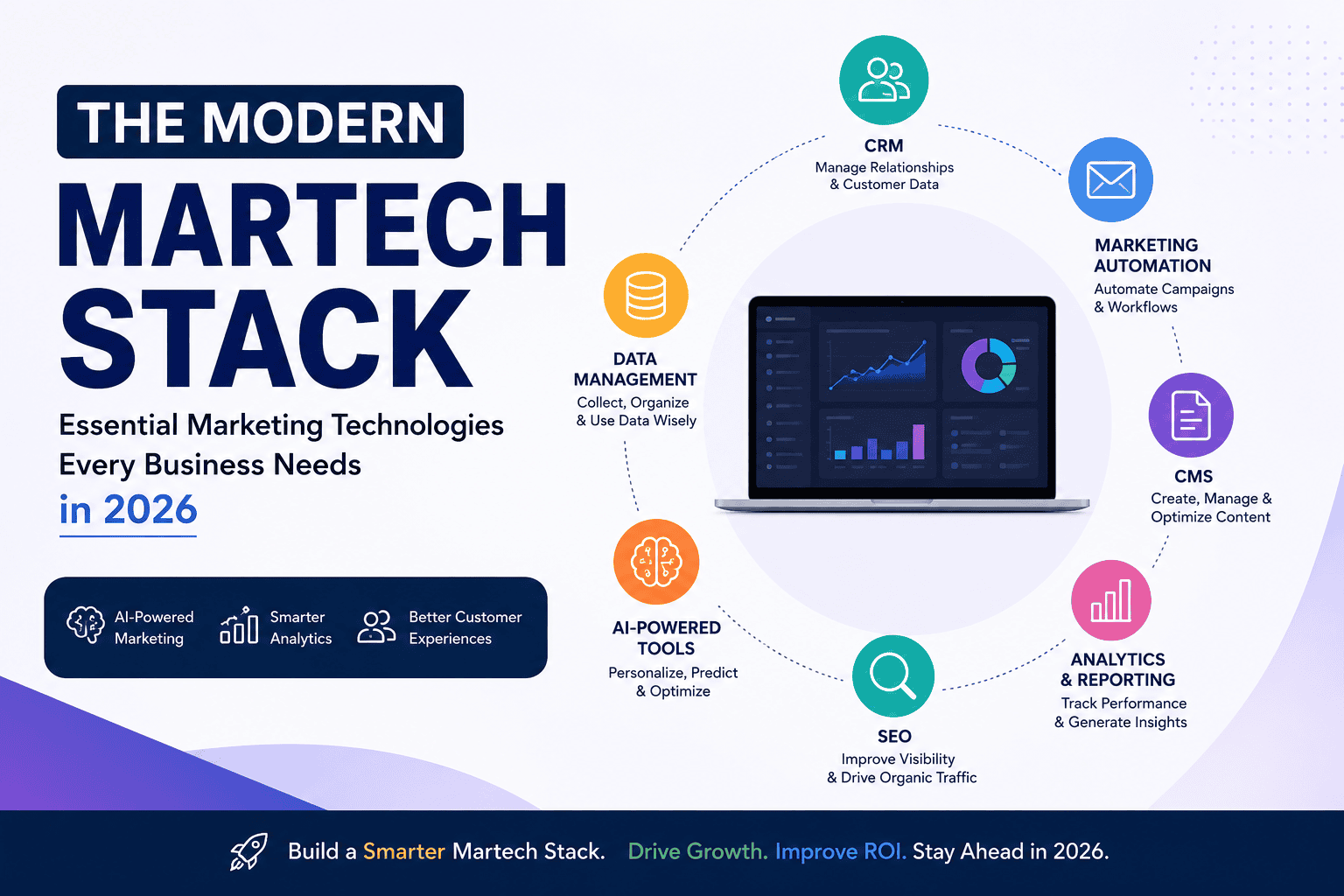
This structured approach also supports a stronger MarTech strategy by connecting technology decisions with business priorities.
Conclusion
Marketing automation can improve efficiency, but poorly designed workflows can create new problems instead of solving existing ones. Complicated processes, inaccurate data, weak segmentation, insufficient testing, excessive messaging, and limited monitoring can all undermine campaign performance.
The answer is not to automate every marketing activity. It is to identify repetitive processes that genuinely benefit from automation and build them around reliable data, clear objectives, and relevant customer experiences.
Marketing teams should regularly test their workflows, review performance, maintain connected systems, and preserve human oversight where it matters.
When automation is treated as an ongoing process rather than a one-time setup, businesses can reduce avoidable mistakes, improve customer communication, and build a more effective marketing technology environment.
Frequently Asked Questions
1. What are the most common marketing automation mistakes?
The most common marketing automation mistakes include using inaccurate customer data, creating complicated workflows, sending too many emails, neglecting testing, and failing to monitor campaign performance.
2. How can businesses prevent marketing automation workflow errors?
Businesses can prevent workflow errors by setting clear goals, checking customer data, testing triggers and conditions, reviewing integrations, and monitoring automated campaigns regularly.
3. Why is customer data important in marketing automation?
Accurate customer data helps marketing automation systems deliver relevant messages, segment audiences correctly, personalize campaigns, and prevent communication errors that can damage customer trust.
4. How often should marketing automation workflows be reviewed?
Marketing automation workflows should be reviewed regularly and whenever campaigns, customer journeys, or business goals change. Performance monitoring also helps identify errors and opportunities for improvement.